New in the simulator: one instructor control page
The instructor station now puts the run, environment, traffic, faults, cargo and flooding, live assessment and incident save on a single page.
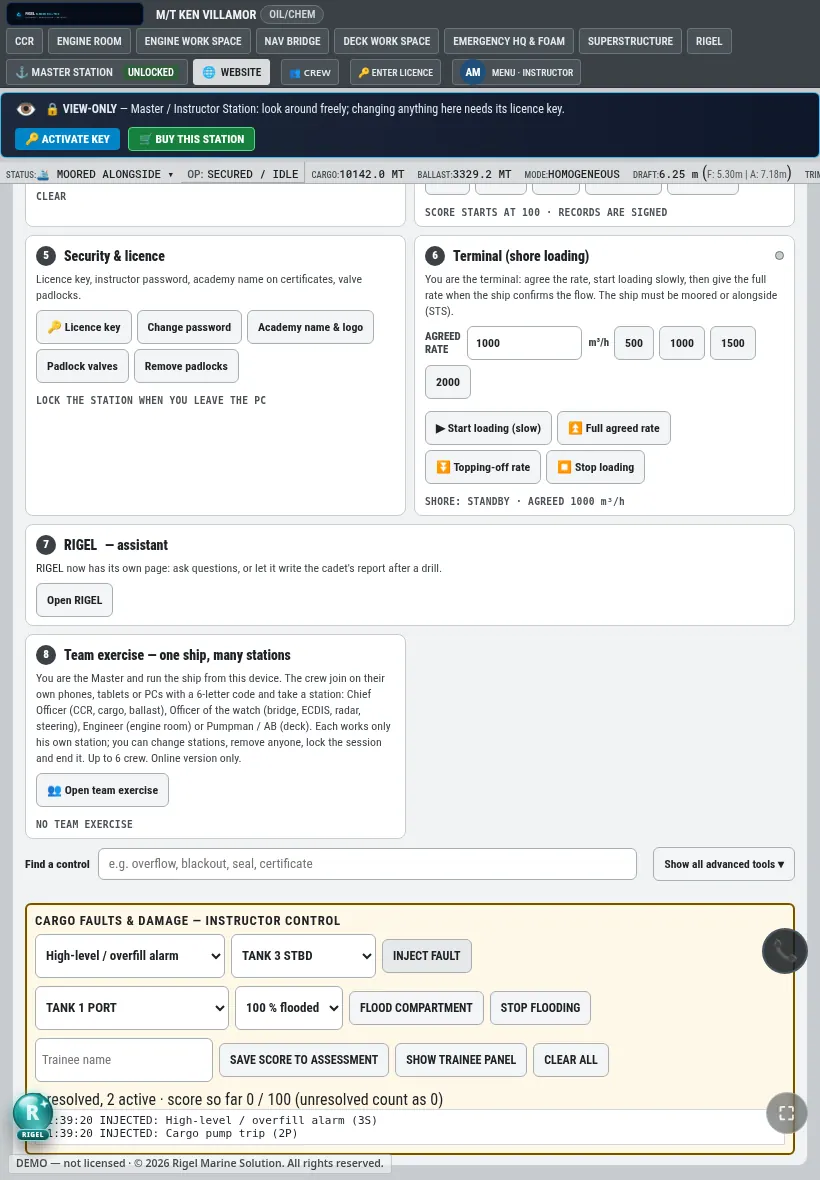
Instructors running an exercise used to move between several screens. The instructor station is now one control page for the whole simulator.
What is on it
- Run: start, pause and set the pace of the exercise.
- Environment and traffic: set the conditions and other ships.
- Cargo faults and damage: inject a fault such as a high-level / overfill alarm or a cargo pump trip on a chosen tank, or flood a compartment. Each fault is scored until the trainee resolves it.
- Terminal (shore loading): the instructor plays the terminal. Agree the rate, start slowly, then give the full rate when the ship confirms the flow.
- Live assessment: see the score as the trainee works, and save it to the assessment record.
- Incident save: keep a record of what happened for the debrief.
Find a control fast
A search box finds any control by name, for example "overflow", "blackout" or "seal". Advanced tools stay hidden until you ask for them.
Team exercises
The instructor can also run a team exercise: one ship, up to six crew on their own phones, tablets or PCs, each at their own station (cargo control room, bridge, engine room or deck).
Practise it in the simulator
Try this on the M/T KEN VILLAMOR tanker simulator, in your browser or on the Windows app.
Open the simulatorMore posts
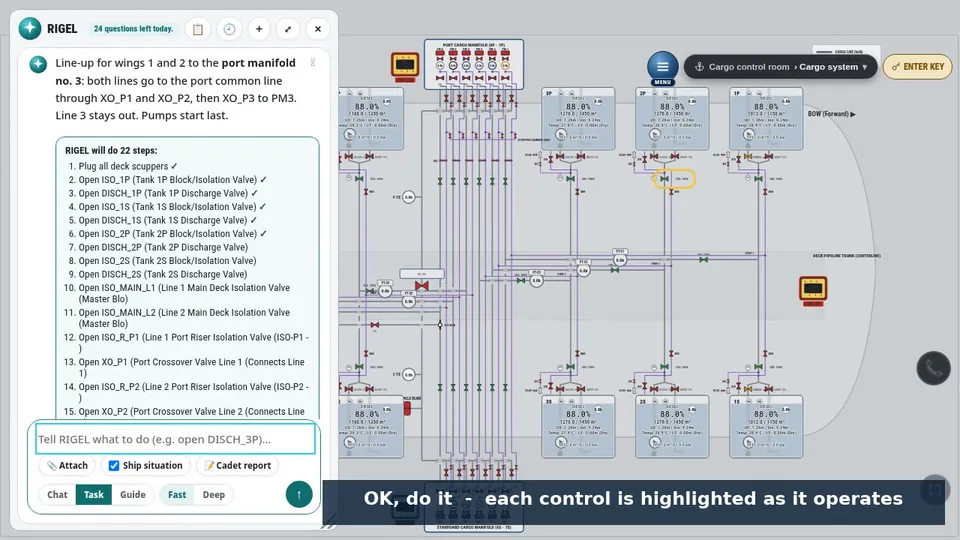
RIGEL: an instructor inside the simulator
Give RIGEL a task, let it teach you step by step, or ask it questions. How Task, Guide and Chat mode work in the M/T KEN VILLAMOR simulator.
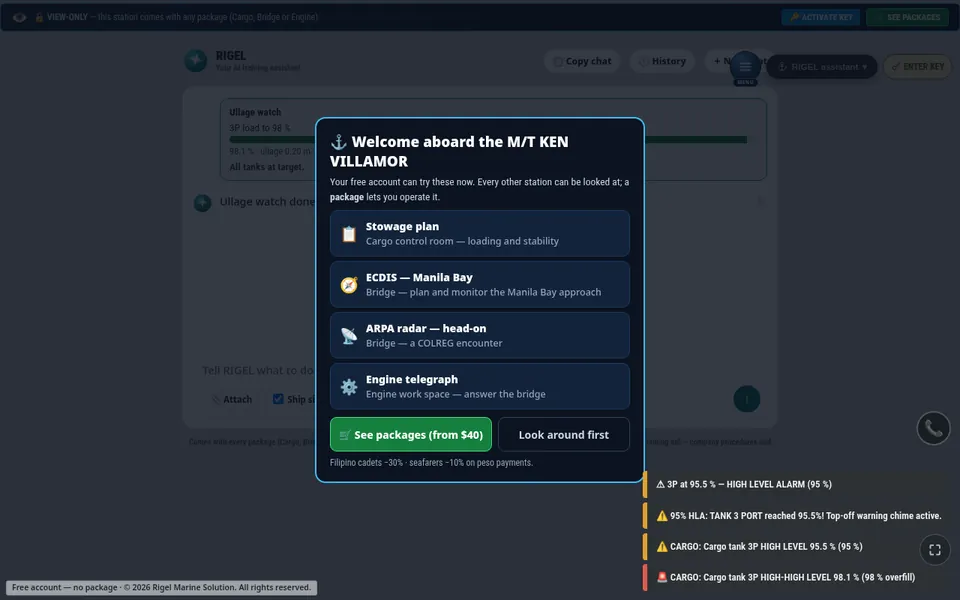
New in the simulator: RIGEL ullage watch
RIGEL can now watch a cargo tank while it loads or discharges to a target level, throttle near the top and shut the valve at the target.