RIGEL: an instructor inside the simulator
Give RIGEL a task, let it teach you step by step, or ask it questions. How Task, Guide and Chat mode work in the M/T KEN VILLAMOR simulator.
RIGEL is the assistant built into the M/T KEN VILLAMOR simulator. It sees the controls on the screen in front of you, so it can do more than answer questions. It can work the ship with you, or teach you how to do it yourself. There are three modes.
Task mode: RIGEL does it, after your OK
Give RIGEL a job, for example "line up tank 2 port for loading" or "load tank 3 starboard to 97 %". RIGEL answers with the steps it will take. Nothing moves until you tap OK. Then the steps run one by one through the same controls and the same safety interlocks as your own taps, so RIGEL cannot do anything you could not do yourself.
For a load or discharge to a level, RIGEL can also keep an ullage watch: it slows the flow near the top, shuts the valve at the target and warns you at the high-level alarm.
Guide mode: RIGEL teaches, you do it
Ask the same question in Guide mode and RIGEL shows you instead. It opens the right page, rings the control you need, and waits until you have done that step before it moves to the next one. When the job is done, it tells you so. This is the mode for learning a cargo line-up by hand.
Chat mode: ask anything
Use Chat mode for questions: what a valve does, why a tank pressure alarm came up, or what to check before tank cleaning.
Off when it should be
- In exam mode RIGEL does not operate the ship, and a running watch stops.
- Instructors can switch off "RIGEL may operate the ship" in the menu, so trainees work every valve themselves.
Used well, RIGEL is like having an experienced officer next to you: it shows you once, then lets you do it.
Practise it in the simulator
Try this on the M/T KEN VILLAMOR tanker simulator, in your browser or on the Windows app.
Open the simulatorMore posts
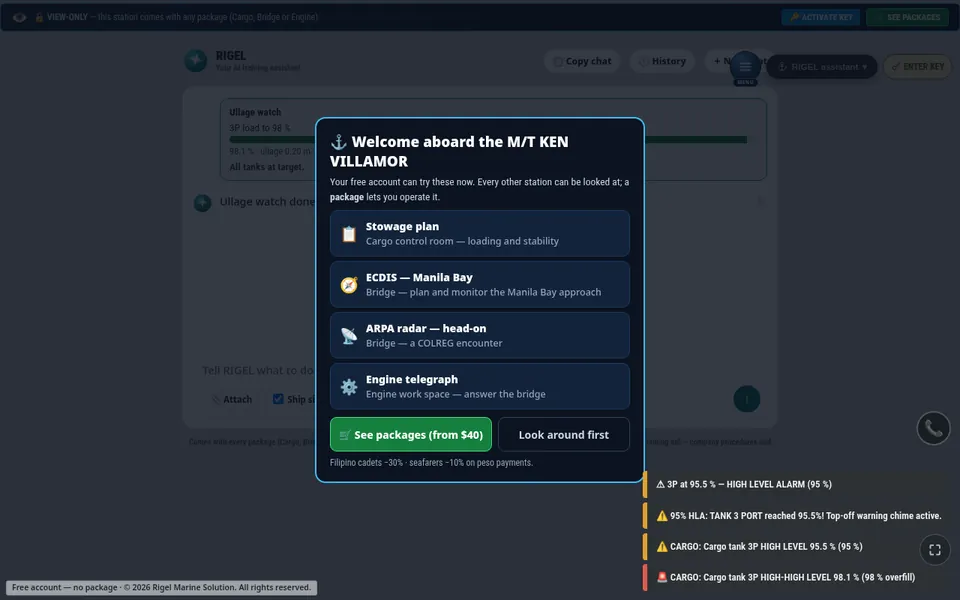
New in the simulator: RIGEL ullage watch
RIGEL can now watch a cargo tank while it loads or discharges to a target level, throttle near the top and shut the valve at the target.
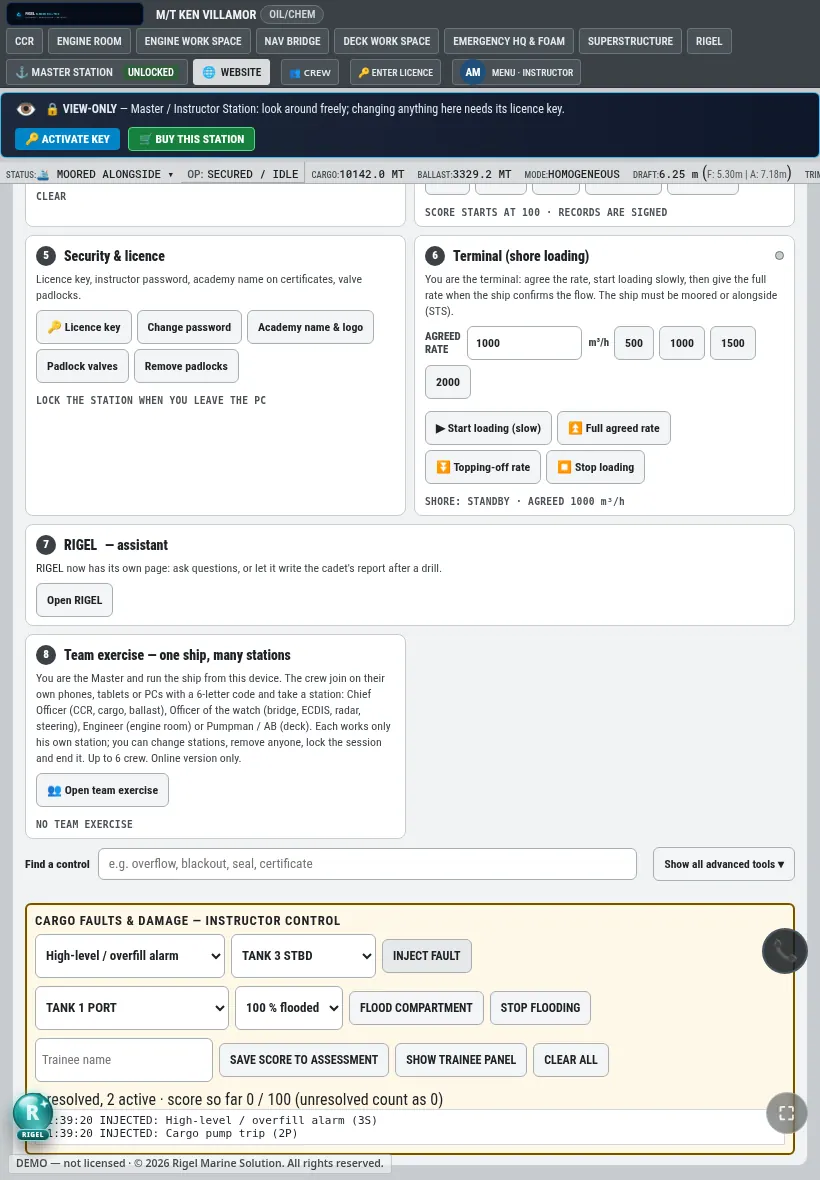
New in the simulator: one instructor control page
The instructor station now puts the run, environment, traffic, faults, cargo and flooding, live assessment and incident save on a single page.